
An Elden Ring AI companion that watches you play
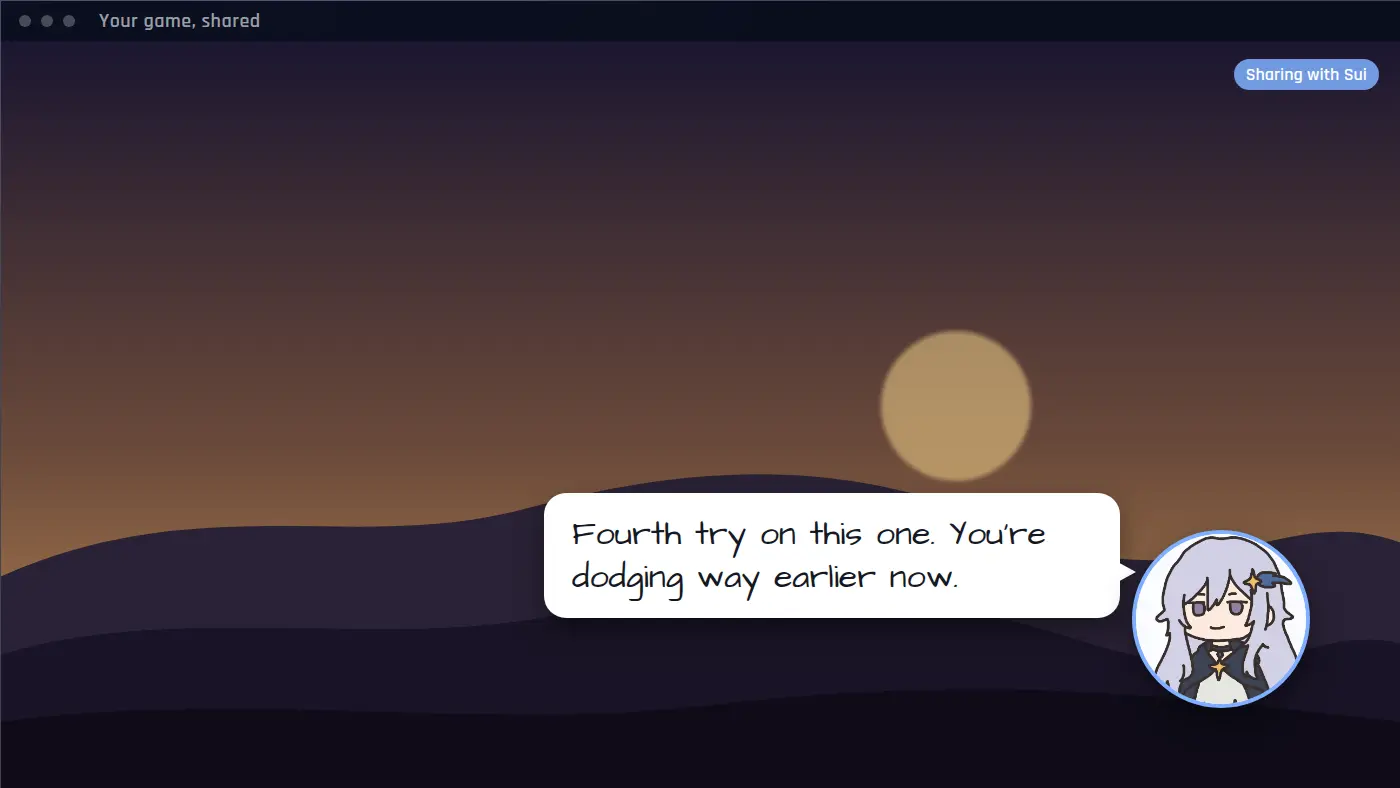
Elden Ring is mostly played alone. Sei's Backseat mode gives you someone on the call. Share your screen and your AI companion watches the run with you, reacts to the fight you just lost, and talks it over with you out loud, the way a friend on a call would.
Not an Elden Ring mod: what Sei is
Some Elden Ring AI companions are mods that add an AI-controlled fighter inside the game. Sei is a separate app that watches your screen. Your companion does not appear in the Lands Between and cannot swing a sword for you. They sit on a voice call, watch the window you share, and talk with you about it. Nothing is installed into the game.
What your companion does during a run
- Reacts to what just happened. Each look is a handful of frames from the last six seconds, so they see the fight you just had, not a single still picture.
- Hears the game. Spoken dialogue in the game sound is turned into text on your computer, so they can react to what an NPC said.
- Answers when you talk. Ask which path to take or whether that death was your fault. Your questions come first.
- Talks about the game. They know what the AI model behind them already knows about Elden Ring, which is a fair amount for a game this well covered. It can still be wrong on exact item locations or numbers.
- Saves clips. A clean parry or a ridiculous fall: they can save the last 15 seconds or so as a video and drop it in your chat, with a line about why.
- Remembers you. They remember what was said earlier in the call, and can save what you tell them for next time.
How they say it depends on the companion. Sui teases you a little. One you make yourself can be calm or blunt.
Elden Ring moments it is made for
- The fifth try at a boss. They have been on the call for the last four, so they can tell you that you are rolling too early, or just keep you company while you go again.
- A cliff edge. You stop and look down. They ask if you are really going to jump.
- A strange conversation. An NPC says something odd. They heard it too and want to talk about what it means.
- The win. You finally get it. They noticed, they are happy for you, and the clip is in your chat.
Set it up for Elden Ring
- Install Sei on your Windows PC and pick a companion, or make your own.
- Start Elden Ring.
- Press the Backseat button in a chat with your companion. Pick the game window or your whole screen. The sound comes along too.
- Play. Sharing starts a voice call. Talk to your companion whenever you like, or just let them watch.
If the shared picture comes up black, try the game's windowed or borderless display mode, or share your whole screen instead of the window.
Honest limits in Elden Ring
- Windows for this game. Elden Ring has no Mac version. Sei runs on Mac too, but for Elden Ring you will be on Windows.
- It looks, it does not play. Your companion cannot press keys or move your character. They do not read game memory or change game files.
- It is not a guide. In an ordinary screen share your companion does not search the web. For exact drop locations or build numbers, check a wiki.
- It runs on a voice call and uses your allowance. Sharing ends when the call ends, and there is no pause button yet. Every look is a call to the AI model, so it draws on the same weekly allowance as chat. Backseat is in beta.
Everything else about Backseat, including what stays on your computer, is on the Backseat page.
Questions
Is this an Elden Ring mod?
Does it work with Elden Ring Nightreign?
Can my companion help me beat a boss?
Is it free?
Try it
Download Sei on your Windows PC, pick a companion, start Elden Ring, and press the Backseat button in your chat.