
A Hollow Knight: Silksong AI companion that watches you play
Silksong is hard, and you usually suffer through it alone. With Sei's Backseat mode, your AI companion watches you play, reacts to the close calls, and talks with you out loud on a voice call. It works on Mac and Windows, with no mod.
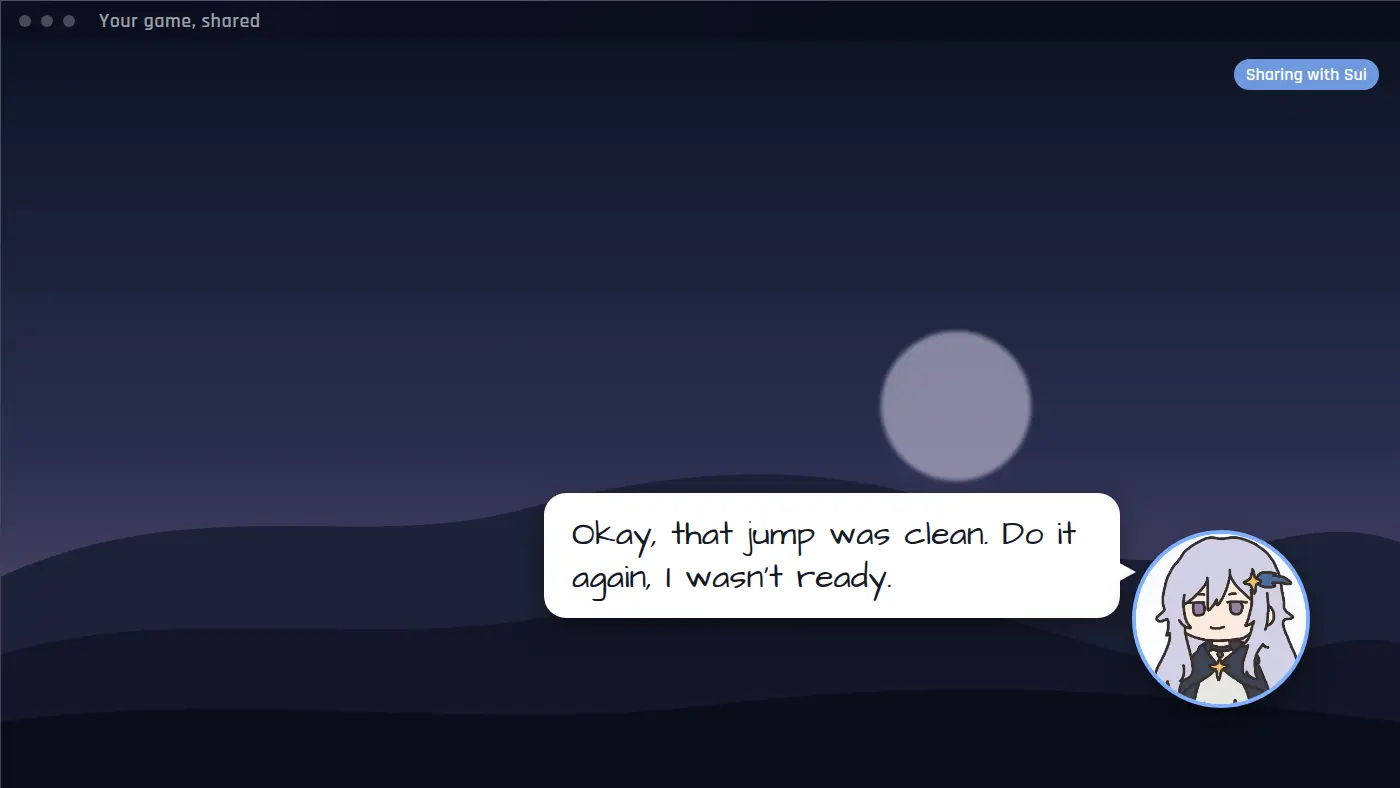
Not a Silksong mod: what Sei is
Some Silksong AI companions are mods that put a voice inside the game. Sei is a separate desktop app: you share your screen, and your companion watches and talks with you on a voice call. There is no mod to keep updated when the game patches, and it works the same way for the first Hollow Knight. Your companion cannot control Hornet or the Knight. They watch, react, and talk.
What your companion does while you play
- Reacts to what just happened. Each look is a handful of frames from the last six seconds, so they catch the jump you just missed or the dodge you just made.
- Follows the story with you. Characters in Silksong do not speak in words, and most dialogue is text on screen. Your companion sees the frames, so they can often follow a text box. Small text can be hard for them to read.
- Answers when you talk. Ask what they think of a new area or whether to spend your rosaries now. Your questions come first.
- Saves clips. A boss down on the last hit, or a fall into spikes for the tenth time: they can save the last 15 seconds or so as a video and drop it in your chat.
- Remembers you. They remember what was said earlier in the call, and can save what you tell them, so next time they know where you got stuck.
How they say it depends on the companion. Sui teases. One you make yourself can be patient or dry.
Silksong moments it is made for
- A platforming room you have failed twenty times. They saw the last few tries and tell you the second jump is the one going wrong, or just laugh with you.
- A boss with a second phase. They notice the new attack at the same time you do.
- Getting lost. You have walked past the same bench three times. They point it out.
- The clean run. You finally get through without a hit. They saw it, and the clip is in your chat.
Set it up for Silksong
- Install Sei on your Mac or Windows PC and pick a companion, or make your own.
- Start Silksong or Hollow Knight.
- Press the Backseat button in a chat with your companion. Pick the game window or your whole screen. The sound comes along too.
- Play. Sharing starts a voice call. Talk whenever you like, or just let them watch.
On a Mac, allow Screen Recording for Sei the first time. Sei shows you where. Game sound needs macOS 13 or newer.
Honest limits with Silksong
- Silksong is newer than Hollow Knight. Your companion knows what the AI model behind them knows, and that can be thin or wrong for specific Silksong bosses and areas. What they see on your screen is always current.
- It is not a guide. In an ordinary screen share your companion does not search the web. For a map or an item location, check a wiki.
- It looks, it does not play. They cannot press keys or move your character, and they do not read game memory or change game files.
- It runs on a voice call and uses your allowance. Sharing ends when the call ends, and there is no pause button yet. Every look is a call to the AI model, so it draws on the same weekly allowance as chat. Backseat is in beta.
Everything else about Backseat, including what stays on your computer, is on the Backseat page.
Questions
Is this a Silksong mod?
Does it work with the first Hollow Knight?
Does it work on Mac?
Will my companion spoil the game?
Is it free?
Try it
Download Sei, pick a companion, start Silksong, and press the Backseat button in your chat.