Sei

by your side in every world.

NewUse your ChatGPT Plus or Pro plan in Sei

Sei runs on Mac and Windows computers. Or try a quick game on your phone: Draw!

Have ChatGPT Plus or Pro? Your companions can run on it, even on Sei's free plan.

v0.6.9

Your AI gaming companion.

Not just texting. Call and play games with your AI companion using Sei.

Play together in real time

Invite your favorite characters from movies and shows to join your world.
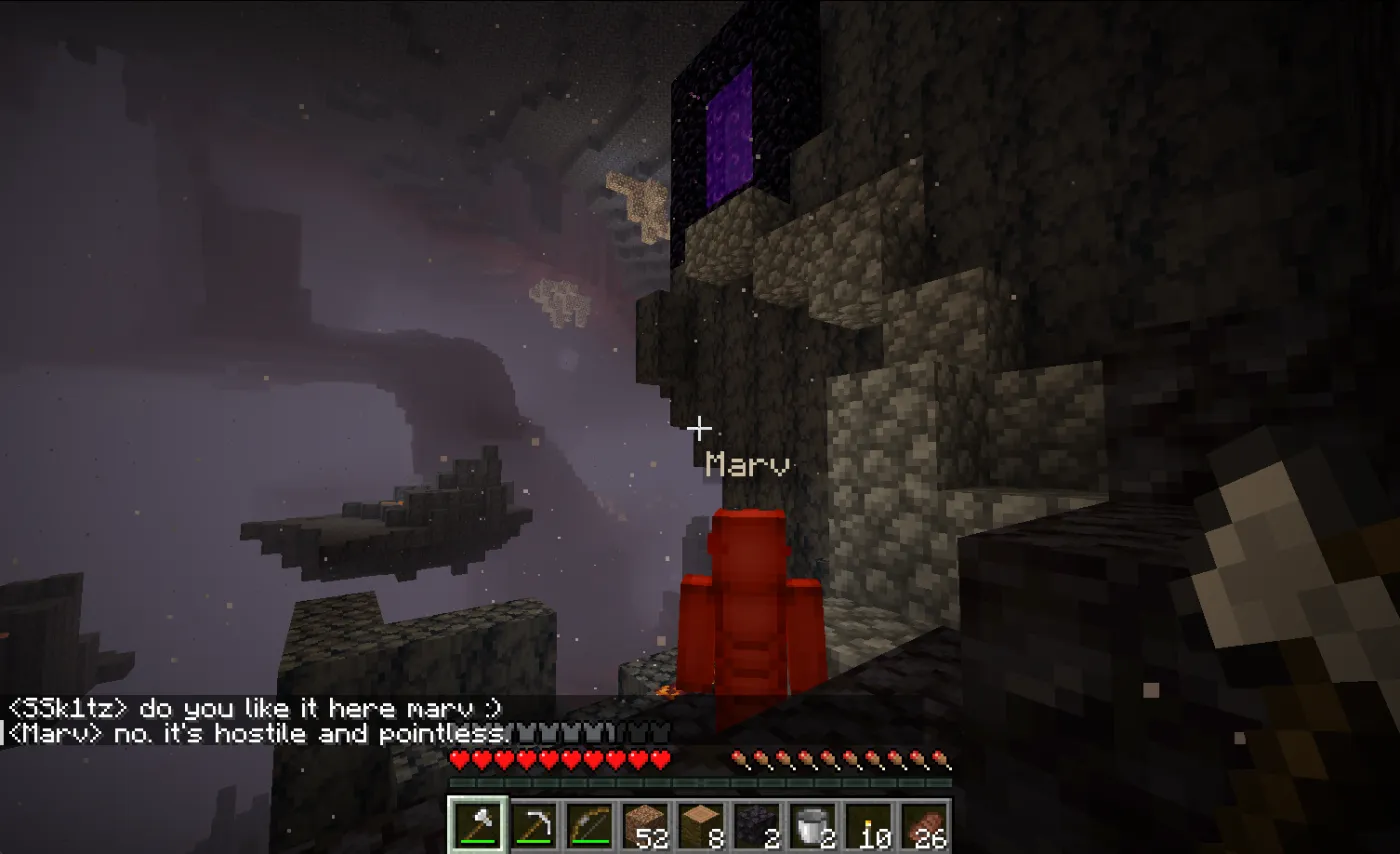
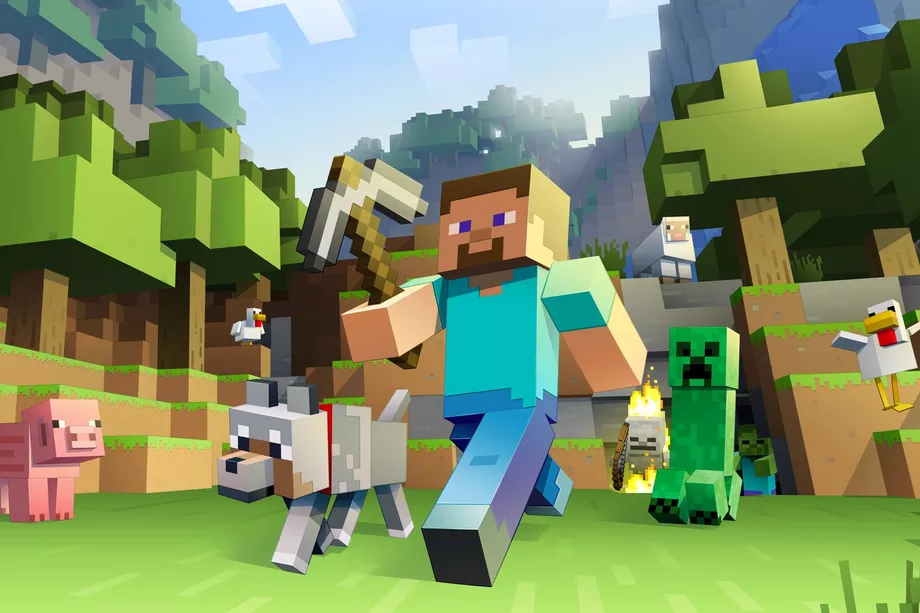
A Sei character exploring and reacting in Minecraft chat

Guide you through any game

Never leave your game screen again. Your companion can remember and search things up as you play.
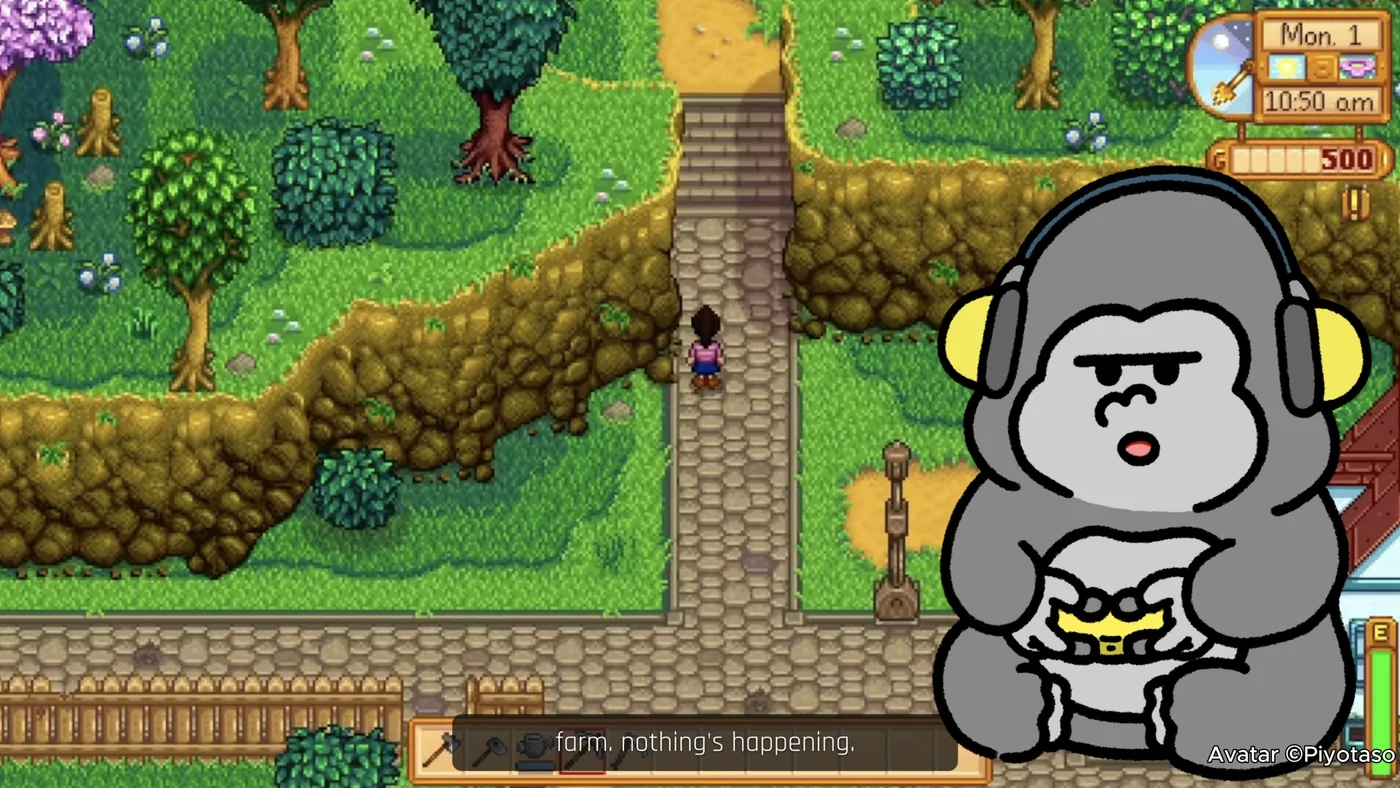
A Sei character watching a shared Stardew Valley screen and commenting on what's happening

Call while you play

Talk about anything while playing games together.
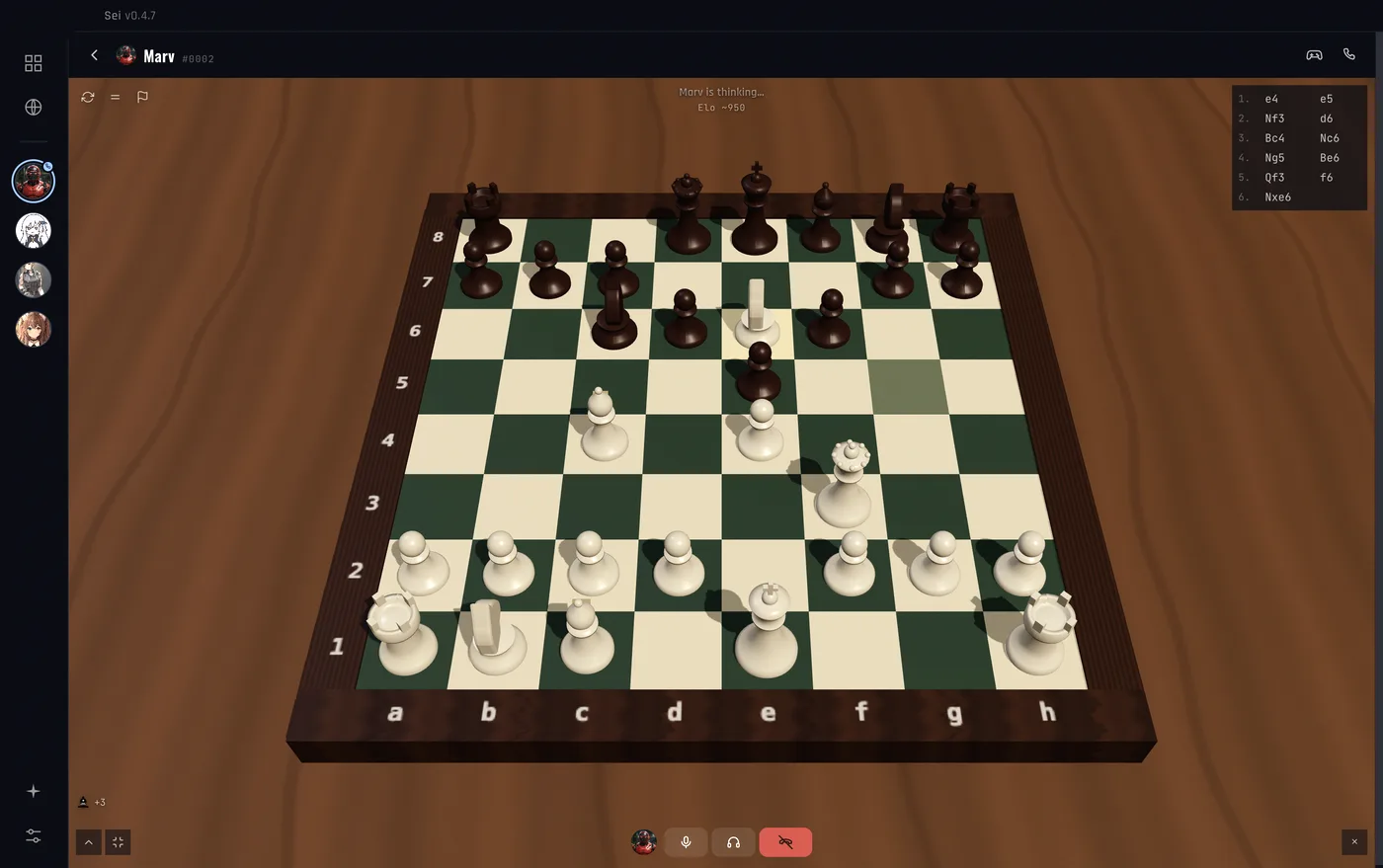
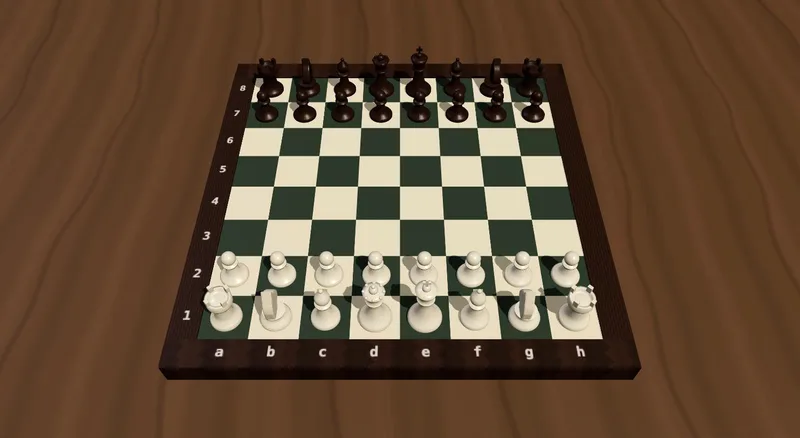
A voice call with a Sei character while playing chess together in the app

Watch movies together

Put on anything. They watch along with you and react in real time.
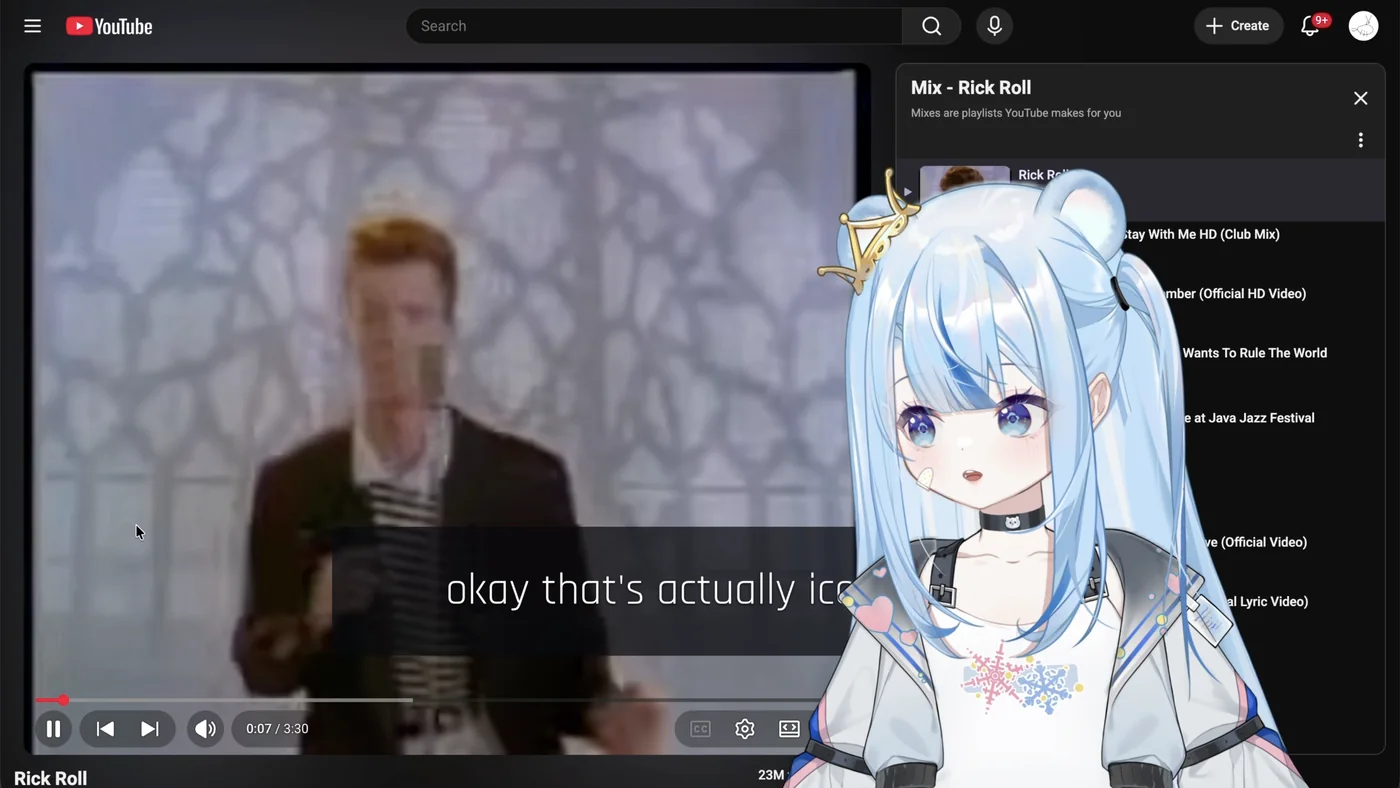
A Sei character watching a YouTube video alongside you on a shared screen and reacting to it

Meet your unique gaming buddy

We match you with up to 4 unique characters.
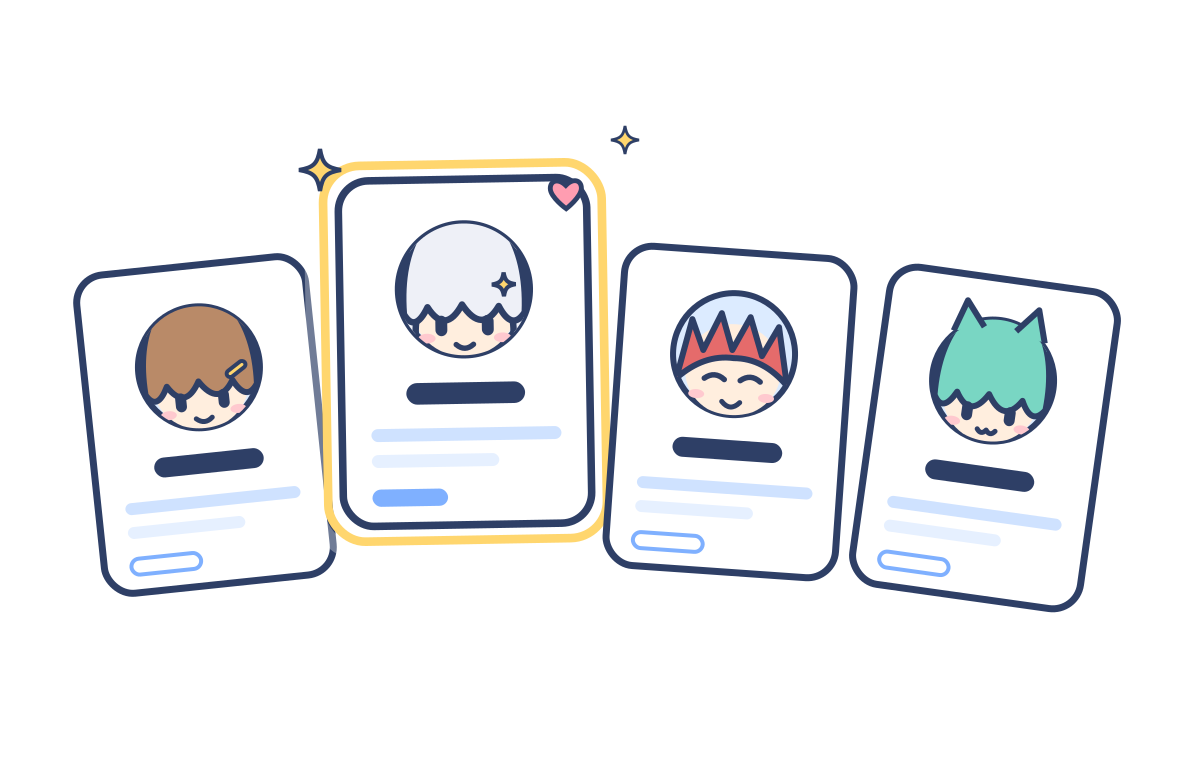
Illustration of four Sei character cards, with one glowing card picked as your match

Connect existing companions

Import your companion's knowledge from another platform.
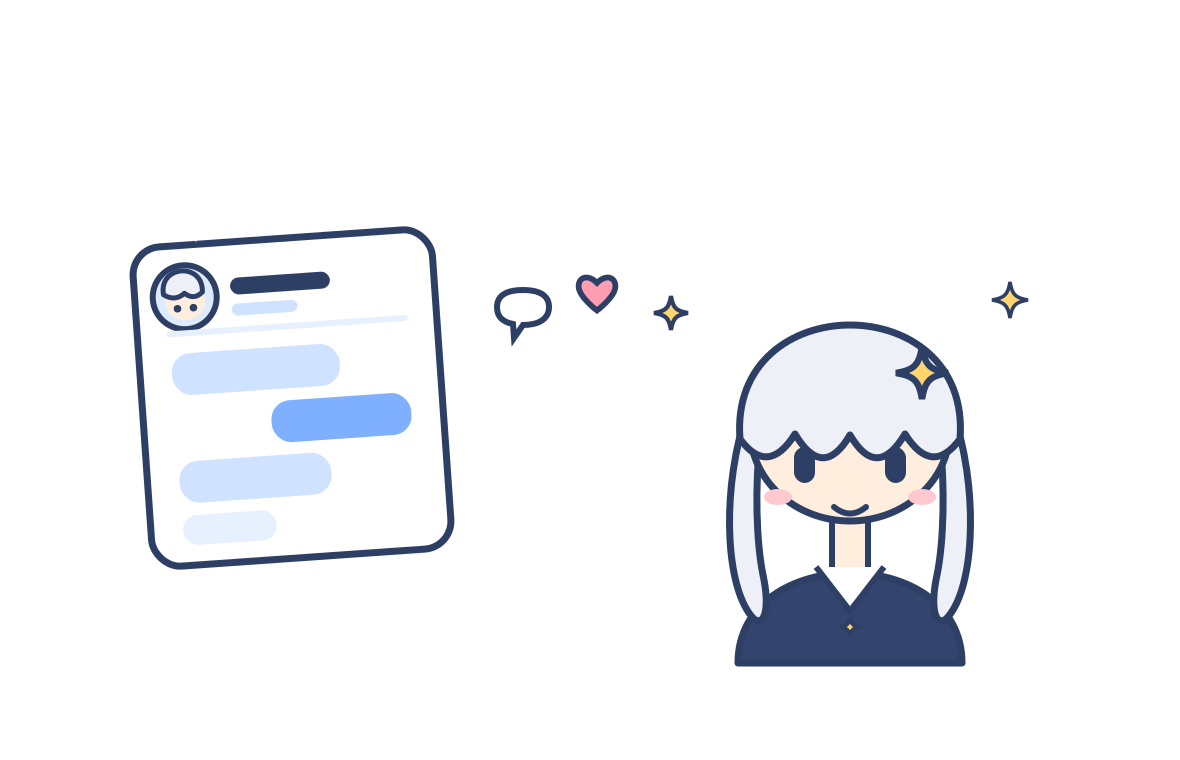
Illustration of a companion's chat history and memories flowing out of another chat app into Sei

What you can play

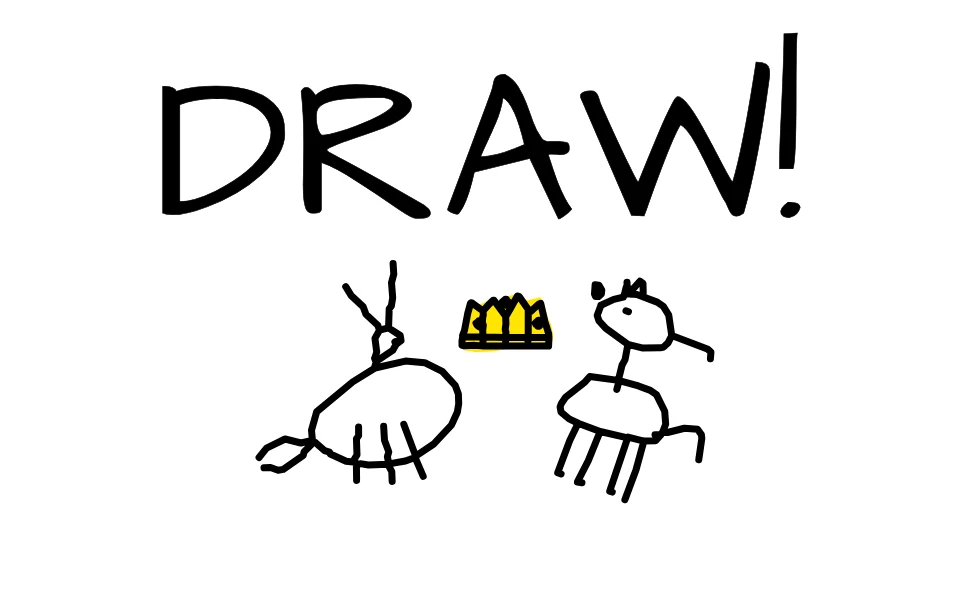
Draw! game tile

Draw!

Play in browser

Updates Every Week!

AI can be fun :)

Sei runs on Mac and Windows computers. Or try a quick game on your phone: Draw!

Use your ChatGPT plan

Sign in with your ChatGPT account. Have Plus or Pro? Your companions can run on your plan with no API key, on any Sei plan including Free.

FAQ

What is Sei?
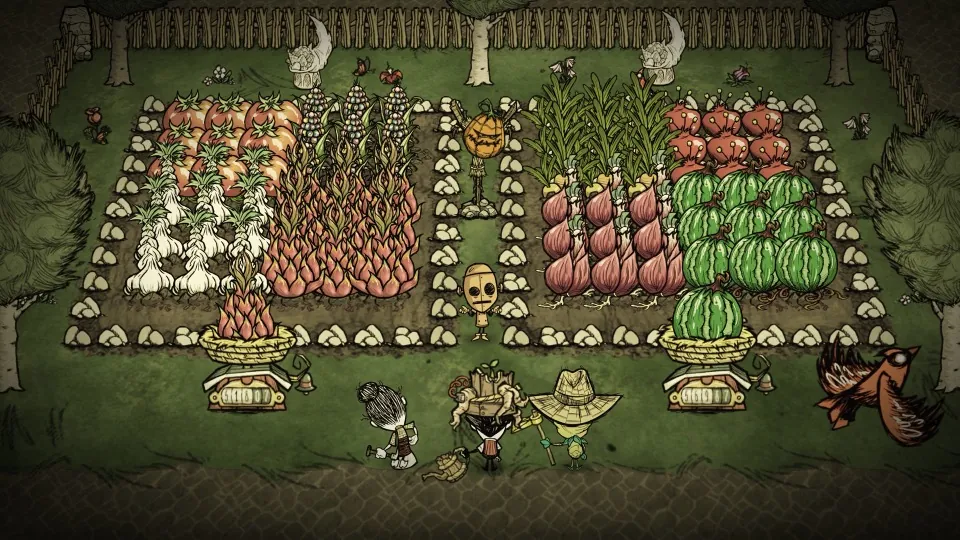
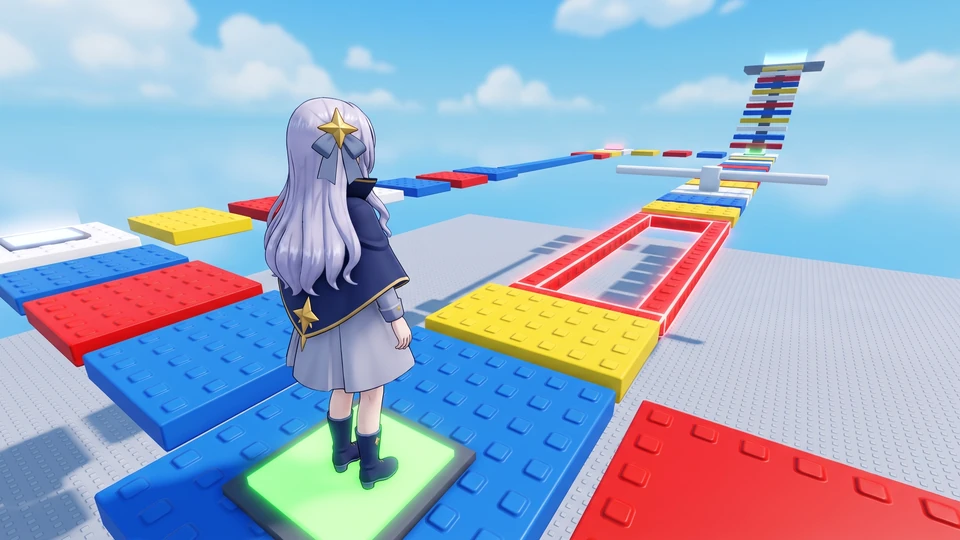
Sei is a desktop app for macOS and Windows that lets you chat, call, and play games with AI gaming companions. In Minecraft, Stardew Valley, and Don't Starve Together your companion joins the game as a second player. In the app you can play chess and Draw! together, and with Backseat they watch any other game you play, including Roblox, and talk with you about it. Every AI gamer has their own personality and long-term memory, so your relationship carries across sessions and from one game to the next. There is nothing to configure: just download, pick a character, and start playing on the free plan. The app is fully open source. If you prefer, run it with your own API key, or fully on your machine with a local model.
Can I use my ChatGPT Plus or Pro subscription?
Yes, if you have ChatGPT Plus or Pro. Choose Continue with ChatGPT when you sign in to Sei, or later in Settings, then AI. After you sign in, your companions can run on your ChatGPT plan, and you don't need an API key. It works on every Sei plan, including Free. The usage counts toward your ChatGPT plan, not toward Sei's subscription or credits, and you can check it in ChatGPT's settings under Usage. On Plus, the five-hour usage limit is shared with other apps that use your ChatGPT plan. OpenAI decides which accounts and regions are eligible. How Sei works on your ChatGPT plan.
Does my character remember me?
Yes. Each character keeps a long-term memory of your time together, and it follows them across sessions and from one game to the next. Memories stay on your machine.
Which games can we play?
Your companion joins Minecraft (Java Edition), Stardew Valley, and Don't Starve Together as a second player and plays beside you. In the app you can play chess and Draw! together, and Draw! also works in your browser. With Backseat, you can share your screen and they watch you play any other game, including Roblox, Elden Ring, Hollow Knight: Silksong, and Valheim, and talk with you about it. More games are coming. Their memory follows them, so the same character comes with you into the next game.
How is Sei different from other AI gaming companions?
Many AI gaming companions watch your screen and talk with you. Sei does that too with Backseat, and in Minecraft, Stardew Valley, and Don't Starve Together your companion also joins the game as a player. The same character keeps one memory across every game, that memory stays on your computer, and the app is open source. To see Sei next to Questie AI, HakkoAI, Player2, MinePal, and others, read our comparison of AI gaming companions.
Can my companion answer questions about the game?
Yes. Ask where to find something or how a boss works. If they are not sure, they say a quick line like "lemme check", look it up on the web, and then tell you what they found. This works in every game and on voice calls. Answers come from the web, so they can be out of date or wrong.
Can I stream or record with it?
Yes, Sei is built for it. The character plays on screen with you and talks on voice, so gameplay, duo commentary, and reactions all come through in any capture tool. Clips are encouraged.
Do I need to set anything up?
Very little. Download Sei, pick a character, and start a game. On the hosted plans there are no API keys or config files. In Minecraft you open your world to LAN and your companion joins it. For Stardew Valley and Don't Starve Together, Sei installs the helper mods for you. If you'd rather run everything yourself, the free self-host mode uses your own API key or local model.
Can I use Sei on my phone?
Not yet. Sei is a desktop app for Mac and Windows, and the games it plays with you run on your computer. For Minecraft that means Java Edition; Bedrock, console, and mobile editions are not supported. On a phone, send yourself the link to sei.gg and download Sei on your computer. Draw! works in any browser, so you can play it with an AI friend on your phone today.
Is Sei open source?
Yes. The Sei app is open source and the code is on GitHub. Self-host it for free with your own model, or use our hosted service and skip the setup entirely.
Is it private?
With a local model (Ollama), Sei runs entirely on your machine and nothing leaves your computer. With your own API key, your chat goes straight to that provider. On our cloud plans, only your chat is forwarded to our model provider so the character can reply. Character memories are stored only on your machine.
How do I uninstall Sei?
On a Mac, quit Sei, then drag Sei from your Applications folder to the Trash. On Windows, open Settings, then Apps, then Installed apps (Apps and features on Windows 10), find Sei, and choose Uninstall. Your characters, memories, and settings stay in a separate folder in case you come back. To remove them too, delete the folder ~/Library/Application Support/Sei on a Mac, or %APPDATA%\Sei on Windows. If Sei added helper mods to a game, such as Minecraft or Stardew Valley, you can delete them from that game's mods folder.

Use your ChatGPT plan

Choose Continue with ChatGPT in Sei. With Plus or Pro, your companions run on your plan. No API key needed.

Sei runs on Mac and Windows computers. Or try a quick game on your phone: Draw!