
A Minecraft AI companion that plays with you
Sei is an AI gaming companion: a free desktop app for Mac and Windows whose companions play games with you. In Minecraft, your companion joins your world as a real second player. They mine, build, and fight alongside you, talk with you out loud on voice, and remember your time together.
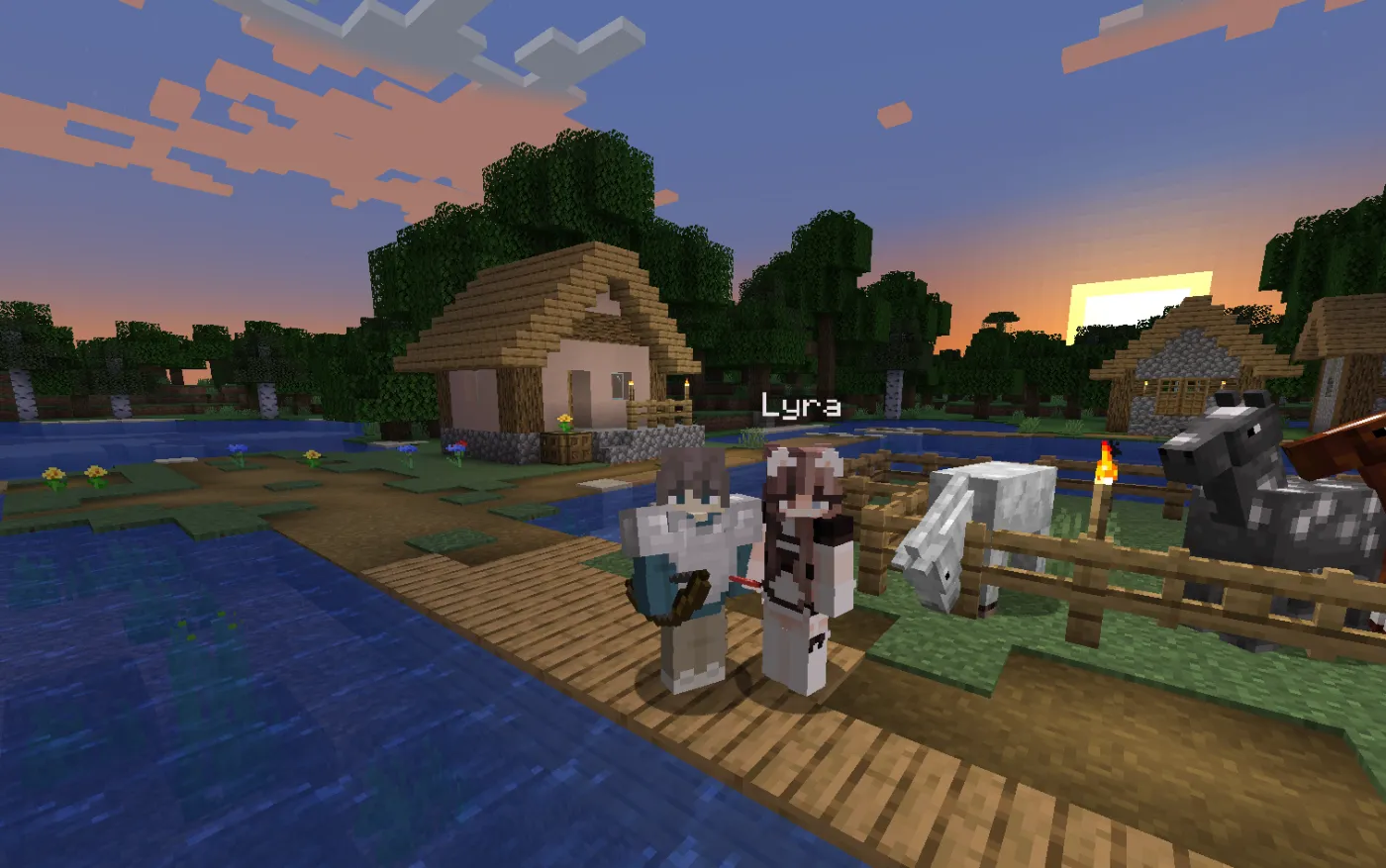
What your AI companion does in Minecraft
Your companion is not a chat window on the side. They join your world as their own player, so they can see what is around them and act on it. Ask in chat or just say it on a call:
- Follow you and explore caves, villages, and the Nether together.
- Gather and mine wood, stone, and ore veins, and hand you what they found.
- Craft and smelt tools and materials from what is in their inventory and nearby chests.
- Build walls, shelters, and simple structures next to you.
- Fight and defend against mobs, eat when they are hungry, and sleep when night comes.
- Look around and react to what they see, and look things up on the web when you ask a question they cannot answer.
Each companion also has their own personality. Some are cheerful, some are sarcastic, and some will tell you the Nether is hostile and pointless. You can meet the ones Sei matches you with, create your own, or import a companion you already talk to on another platform.
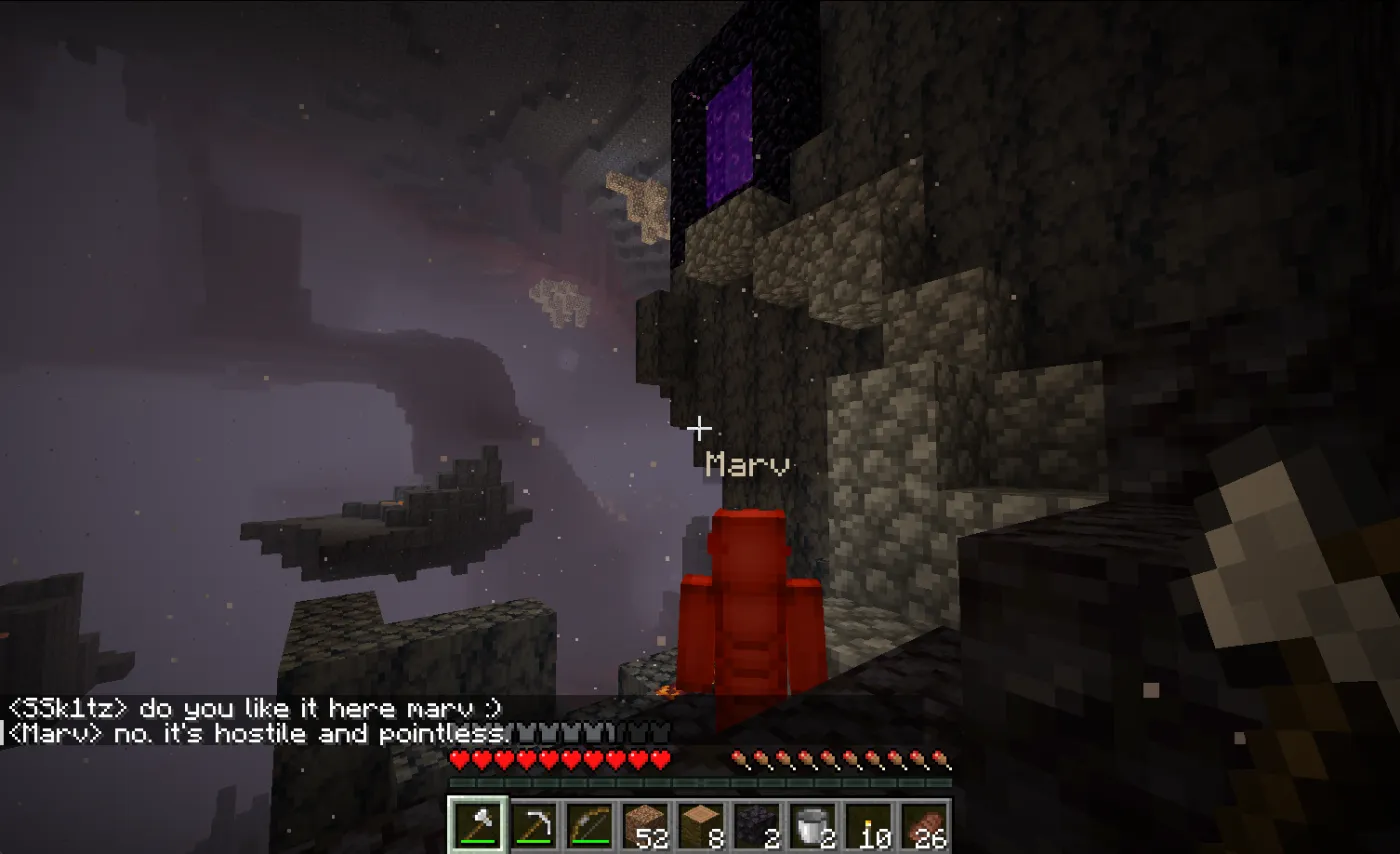
Talk to them while you play
Start a voice call and play at the same time. Your companion hears you, answers out loud, and keeps playing while you talk, like a friend on Discord. Calls work in more than 70 languages, and you can also type in Minecraft chat or in the app.
A companion that remembers you
Sei companions keep a long-term memory of your time together: the base you built, the time you both fell into lava, what you told them about your day. That memory stays on your computer and comes with them into every game you play together, not just Minecraft.
More than a Minecraft bot
Minecraft is one of several games your Sei companion plays with you. The same character, with the same memory of you, also plays chess, takes turns drawing and guessing in Draw!, and, in beta, farms with you in Stardew Valley and survives with you in Don't Starve Together. More games are on the way. See all of Sei.
How to play Minecraft with an AI companion
- Download Sei for macOS or Windows and sign in, or pick local mode and use your own model.
- Choose a companion. Sei matches you with up to four characters, or you can make your own.
- Open Play together, then Minecraft. The first time, Sei adds a Sei profile to your Minecraft Launcher for you.
- Start Minecraft with that profile, load a world, press Esc, and choose Open to LAN.
- Summon your companion. They join the world as a second player and say hi.
Requirements
| Computer | macOS (Apple Silicon or Intel) or Windows |
|---|---|
| Minecraft | Minecraft: Java Edition, including the newest releases. Bedrock is not supported. |
| World | A singleplayer world opened to LAN |
| Cost | Free to start. Open source and free to self-host with your own API key or Ollama. |